
Steam Family Sharing is one of the most useful features for gamers who want to share their purchased games with family and friends without giving away their account login credentials. Whether you're a beginner just starting on Steam or a seasoned player looking to maximize your game library, this guide will explain everything you need to know about Steam Family Sharing.
What Is Steam Family Sharing?
Steam Family Sharing allows Steam users to share their game library with up to 5 other accounts on up to 10 authorized devices. This means that family members or close friends can play your games on their own accounts while keeping their personal achievements and save files separate.
How to Enable Steam Family Sharing
- Log in to the main Steam account on the device you want to share from.
- Navigate to Steam > Settings > Family.
- Check the box that says "Authorize Library Sharing on this Computer."
- Log out and let the secondary accounts log in to their own Steam accounts.
- Once logged in, the secondary users can request access to your shared library.
Tip: Make sure the devices are trusted and secure. Only authorize computers you personally own or fully trust.
Limitations of Family Sharing
- One user at a time: Only one person can play a shared game at a time.
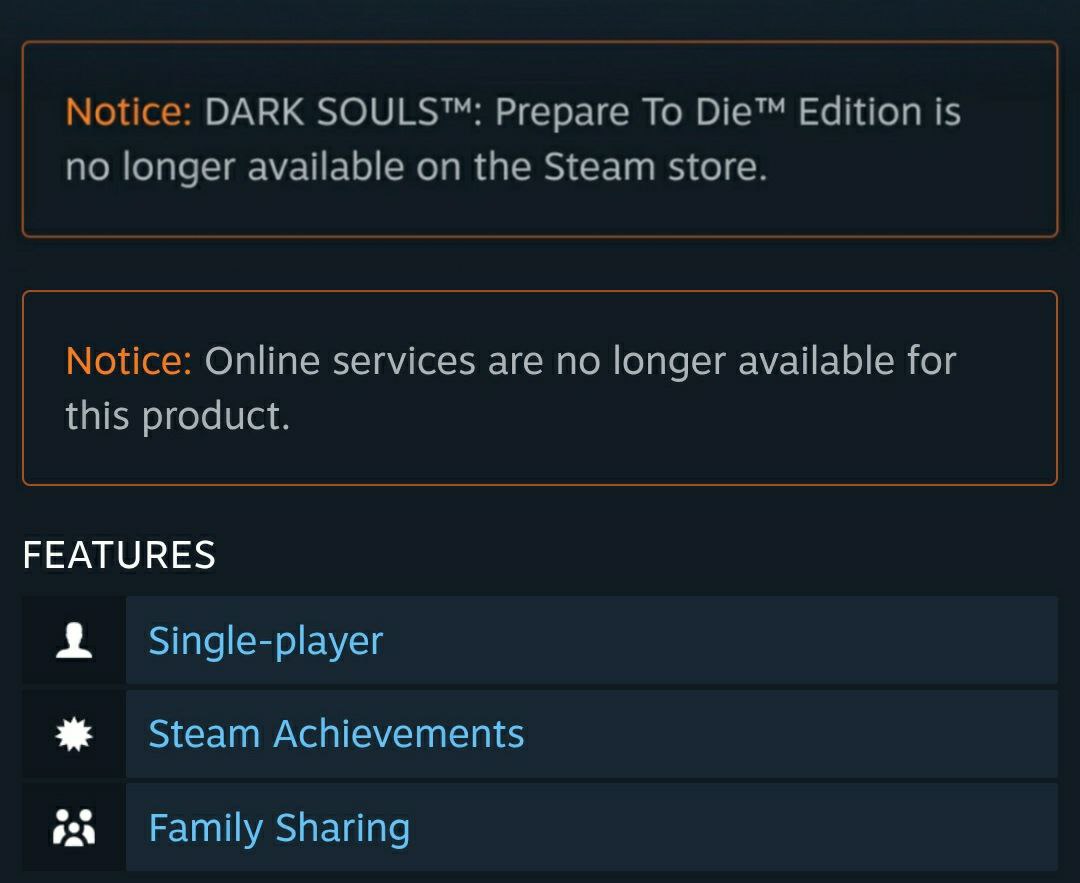
- Not all games are shareable: Some games with third-party subscriptions may not support Family Sharing.
- Internet connection required: The first time you access a shared library, Steam requires an internet connection.
- Purchase restrictions: Secondary users cannot purchase DLC or add games to the primary account's library.
Benefits of Steam Family Sharing
- Cost-effective: Share a single purchase with multiple accounts.
- Personalized experience: Each user keeps their own achievements, friends list, and save data.
- Easy access for guests: Friends or family can try your games before buying them themselves.
- Safe and official: Steam manages all permissions and security, so you don't have to share passwords.
Safety Tips for Using Family Sharing
To ensure smooth usage and avoid potential issues:
- Never share your account password. Steam Family Sharing doesn't require it.
- Authorize only trusted devices. Avoid public computers.
- Monitor library usage. Make sure everyone knows the "one user at a time" rule.
- Check game restrictions. Some games, especially multiplayer or subscription-based, may not work.
Common Questions
Q: Can I share DLCs and in-game items?
A: Some DLCs can be shared, but in-game purchases may remain tied to the primary account.
Q: What happens if the primary user is playing?
A: Secondary users will get a notification to either quit or purchase the game themselves.
Q: Can I revoke access anytime?
A: Yes. The primary account can deauthorize any device or account from Family Sharing at any time.
Conclusion
Steam Family Sharing is a powerful feature that makes gaming more flexible and cost-effective. By understanding how to set it up, its limitations, and safety precautions, beginners and experienced users alike can enjoy a shared library without compromising personal accounts. Always follow Steam's rules to avoid access issues, and make the most out of your game collection.